
Training & Coaching — Tools your teams actually use
Not a 3-hour PowerPoint session. Hands-on coaching, at your premises, on your concrete use cases. So your employees go from "I know it exists" to "I use it every day".

You've invested in Microsoft 365, maybe activated Copilot, installed Power BI. But if your teams keep sending files by email instead of using SharePoint, if nobody knows how to run a Teams meeting properly, if Power Automate sits unused — your investment is wasted.
Jump Online trains your employees directly in your environment, with your data, with your processes. We don't recite a manual — we show how the tool solves a concrete problem in your daily work.
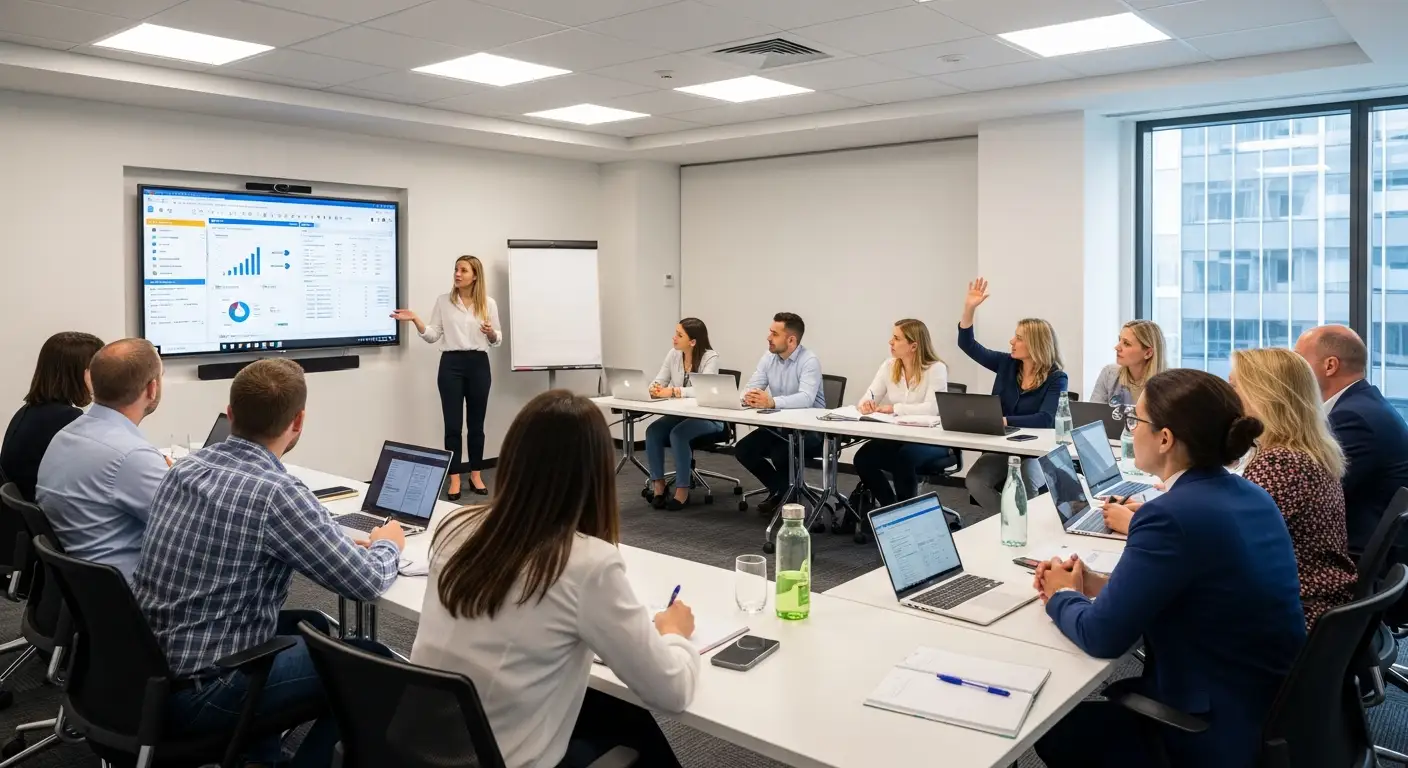
Our training programs
Microsoft 365 daily use
Teams, SharePoint, OneDrive, Outlook — your employees learn to truly use the tools they already have. File sharing, effective meetings, organization, real-time collaboration.
Copilot & AI
How to use Copilot in Word, Excel, Teams, Outlook. How to craft effective prompts. How to integrate AI into daily work processes.
Everyday security
Recognizing a phishing email. Creating and managing strong passwords. Reacting to security alerts. The right reflexes to protect your business.
Power Platform
Create a simple app with Power Apps. Build an automation flow with Power Automate. Build a dashboard with Power BI. For employees who want to go further.
Our approach
On-site: we come to your premises, work on your tools, with your data
Custom: the program is adapted to your context, your business, your real needs
Practice first: no theoretical slideshow — we do, test and correct together
Small groups: 3 to 8 people so everyone can ask their questions
Follow-up: a summary document and a follow-up session 2 weeks later
All levels: from complete beginner to power user who wants to go further
FAQ — Training & Coaching
We come to you
Based in Sion, we provide on-site service throughout Valais. Not just remote support — we come to you to understand your real-world situation.
Related Articles
Cybersecurity Training: Your Team Is Your First Line of Defence
95% of security incidents involve human error. How to train your staff to recognise threats and adopt the right reflexes every day.
Microsoft Teams vs Email: When to Use What in Your SME
Your teams hesitate between Teams and email? Practical guide on when to use each tool and how to organise communication in your SME.
Optimise Microsoft 365 for Your SME: The Underused Features
85% of SMEs use only 20% of Microsoft 365 features. Discover the tools already included in your licences that can transform your productivity.